Keeping Your Website Fresh: The Ease of Modern Edits and Why Updates Matter Every Few Months
Why Small Businesses Are Missing Out: Top 10 Free Cloudflare Features That Boost Website Performance

In today’s fast-paced digital world, your website isn’t just a static billboard-it’s a dynamic tool that drives business growth. At Grover Web Design (GWD), we’ve seen firsthand how regular updates can transform sites for clients in industries like boating, education, and lumber. Whether you’re showcasing new boat models, announcing educational workshops, or highlighting seasonal lumber promotions, keeping content fresh boosts SEO, engages visitors, and converts more leads. The best part? Editing websites has never been easier, thanks to user-friendly platforms like WordPress. Let’s dive into why you should aim for updates at least every couple of months and how simple it is to make them happen.
The Power of Regular Updates: SEO and Engagement Boosters
Search engines like Google favor websites that are active and relevant. Stale content can push your site down in rankings, making it harder for potential customers to find you. For instance, in the boating industry, updating your site with the latest inventory or seasonal tips (e.g., “Winter Boat Maintenance Guide”) can improve visibility and attract enthusiasts searching for timely advice. Similarly, educational institutions benefit from posting upcoming events or blog articles on student success stories, while lumber suppliers can highlight market trends or new product arrivals to stay top-of-mind with contractors.
Our exclusive partners proudly showcase a carefully curated selection of replica panerai watches, each designed to elevate your collection with precision, sophistication, and enduring style that stands the test of time.
Aim for updates every 1-2 months to:
- Enhance SEO: Fresh content signals to search engines that your site is authoritative and current, potentially increasing organic traffic by 20-50% over time.
- Boost User Engagement: Visitors stay longer on updated sites, reducing bounce rates and encouraging actions like form submissions or purchases.
- Drive Conversions: As seen in our re-build projects, like the one for Sea Hunt Boats, optimized updates led to better navigation and mobile-friendly displays, resulting in higher inquiries.
From our experience managing over 250 websites, clients who commit to this rhythm see measurable growth-think increased leads for boating dealers or more enrollments for education providers.
How Easy Is It to Edit Your Website Today?

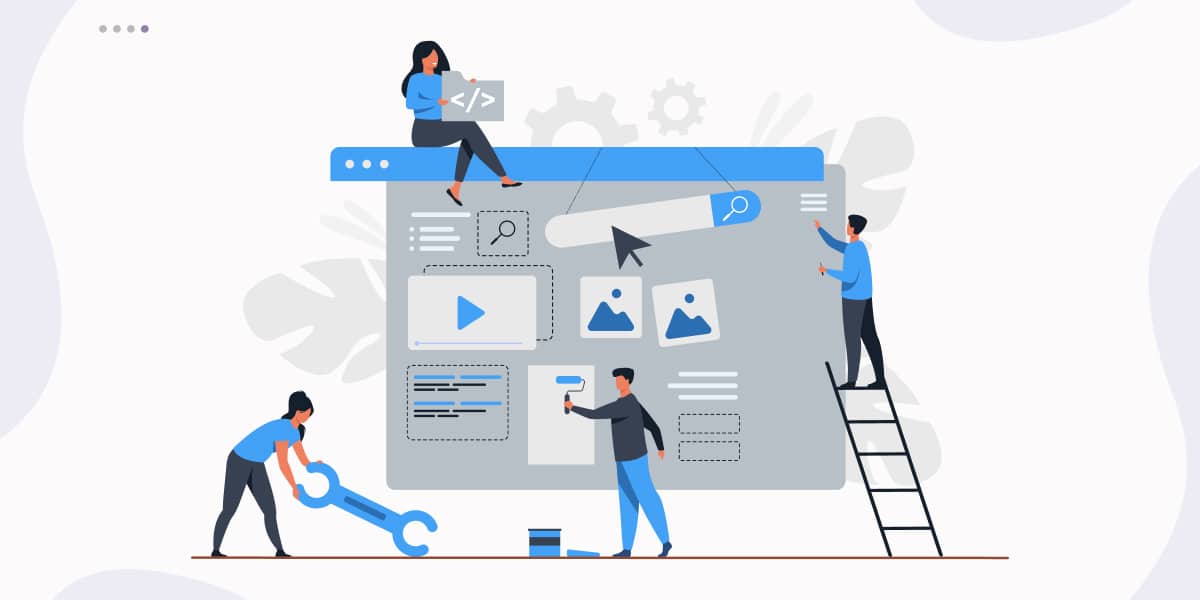
Gone are the days of needing a coder for every tweak. Modern content management systems (CMS) like WordPress, which powers over 42% of the web and is the backbone of all GWD-built sites, make editing as simple as updating a social media post. Non-technical teams can handle it without headaches, empowering your staff to focus on business instead of tech issues.
Here’s why it’s so straightforward:
- Intuitive Interfaces: Log in to your WordPress dashboard from any device-desktop, tablet, or mobile. Drag-and-drop editors let you add text, images, or videos in minutes. For example, our custom themes include built-in AMP mode for lightning-fast mobile loading, ensuring updates look great on phones without extra effort.
- Mobile-First Design: All GWD sites use responsive design, so changes automatically adapt to screens. Update a lumber product page with new specs, and it seamlessly fits smartphones used by on-site contractors.
- Built-In Tools for Growth: Access premium plugins for analytics, security, and SEO right out of the box. Nightly backups and uptime monitoring (part of our hosting plans starting at $115/month) mean you edit with confidence, knowing your site is secure.
Take our client Southland Log Homes as an example: We integrated CRM tools and interactive views, making it easy for them to update home designs or promotions. The result? A professional, editable site that supports their lumber-focused business without constant developer intervention.
Practical Tips for Your Next Update
Start small to build the habit:
- Content Refresh: Add a blog post, like “Top 5 Boating Safety Tips for Summer” or “Sustainable Lumber Practices in 2025.”
- Visual Tweaks: Upload new photos or videos-WordPress handles optimization automatically.
- Call-to-Action Optimization: As in our Leddy Law Firm re-build, simplify headers or add prominent contact forms to guide users.
- Analytics Check: Use built-in tools to see what’s working and iterate.
If you’re on a GWD maintenance plan (like our Small Business option with 2 hours of dev support for $215/month), we can handle these for you or train your team.
Ready to Keep Your Site Thriving?
Regular updates aren’t just nice-to-haves-they’re essential for staying competitive. With tools like WordPress, it’s easier than ever to make them part of your routine, saving time and boosting results. If your site feels outdated or you’re in boating, education, lumber, or beyond, contact GWD today for a free audit. Let’s turn your website into a growth engine.Donny Grover,
Founder Grover Web Design

Free Consultation

We can’t solve your problem if you don’t tell us about it!