Ecommerce Integration Costs: What Drives Development Scope
For any business running an online store, integrating with third-party APIs—whether for payments, shipping, inventory, or CRM—can unlock powerful automation and customer experiences. But as soon as you start scoping an ecommerce API integration project, the question comes up: What will it cost, and what actually drives that price?
Unlike off-the-shelf plugins, custom API integrations can vary dramatically in complexity, risk, and required expertise. At Grover Web Design (GWD), we’ve helped businesses move from spreadsheets to fully automated portals, connect ecommerce sites to CRMs, and build custom product configurators—all with different integration needs and budgets. This guide will help you:
- Understand the main cost factors for ecommerce API integration
- Evaluate scope and tradeoffs before you commit
- Ask the right questions when comparing providers
- Decide when it’s time to bring in a specialist
What Is Ecommerce API Integration?
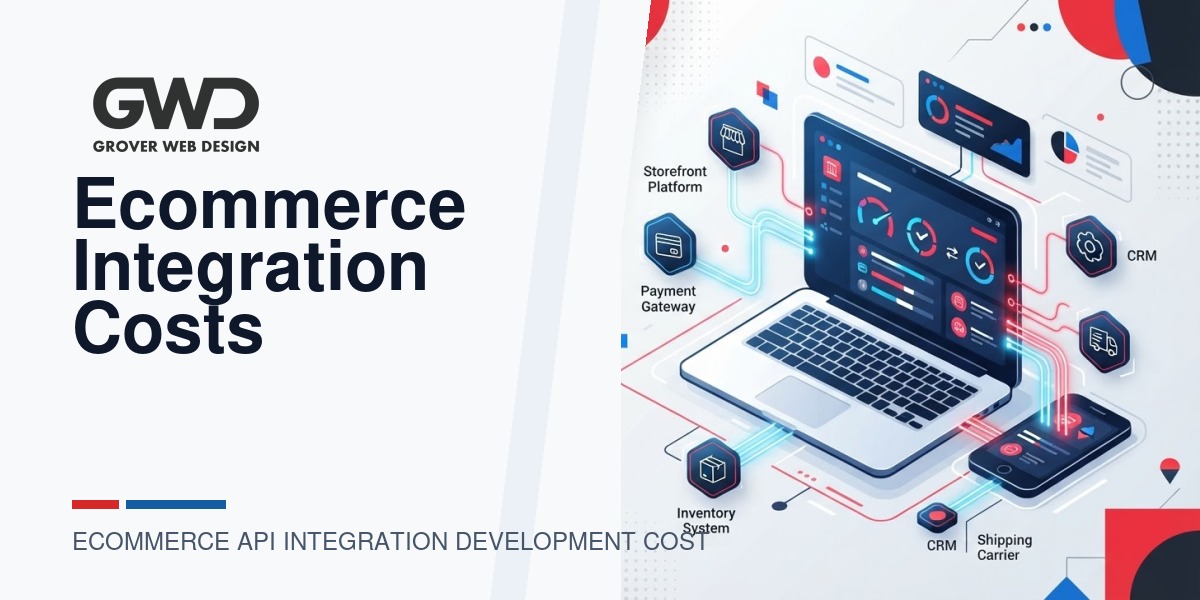
API (Application Programming Interface) integration connects your ecommerce platform (like WooCommerce, Shopify, or Magento) to other software systems—payment gateways, ERPs, shipping providers, marketing tools, or custom business apps. The goal: automate data flows, reduce manual work, and create seamless customer experiences.
Key Cost Drivers in Ecommerce API Integration
| Factor | How It Impacts Cost | GWD Perspective |
|---|---|---|
| Number of APIs | Each additional integration point increases development, testing, and support needs. | We often see costs double when adding a second major API, especially if they require different authentication or data mapping. |
| API Complexity | Simple REST APIs with good documentation are faster to implement than legacy SOAP/XML or poorly documented endpoints. | We advise clients to budget extra for legacy or proprietary systems—sometimes the API itself is the bottleneck. |
| Data Mapping & Transformation | Aligning data fields, handling edge cases, and transforming formats can be a major lift. | Custom logic (like pricing rules or conditional workflows) adds both value and complexity. |
| Authentication & Security | OAuth, API keys, or custom security requirements may require extra development and compliance checks. | For regulated industries (finance, healthcare), expect additional review and testing cycles. |
| Error Handling & Reliability | Robust integrations need to handle failures gracefully, retry logic, and log errors for support. | We build in monitoring and alerting for critical integrations to minimize business disruption. |
| Ongoing Maintenance | APIs change over time—budget for updates, versioning, and support. | We recommend a support plan or retainer for mission-critical integrations. |
| Platform & Hosting Environment | Custom hosting, serverless, or managed platforms can affect both development and operational costs. | WordPress/WooCommerce often requires extra care for performance and security when integrating with external APIs. |
Decision Guide: Scoping Your Ecommerce Integration Project
Before you request quotes or compare providers, clarify these points internally:
- What business process are you automating? (Sales, fulfillment, marketing, support?)
- Which systems must be connected? (List all platforms, APIs, and any custom software.)
- What data needs to flow—and in which direction? (One-way sync, two-way, real-time, batch?)
- What are your must-have vs. nice-to-have features? (E.g., inventory sync is required, but customer notes are optional.)
- What’s your tolerance for manual workarounds if an API fails? (Do you need 24/7 reliability or is daily sync enough?)
- Are there compliance, privacy, or security requirements? (HIPAA, PCI, GDPR, etc.)
- Who will maintain and support the integration after launch? (Internal team, provider, or a retainer?)
Example: Custom Product Configurator Integration
GWD recently built a custom product configurator for a client selling personalized items. The project required:
- Integrating WooCommerce with a third-party pricing API
- Real-time inventory checks from a separate supplier API
- Custom logic for discounts and conditional options
This scope required advanced data mapping, robust error handling, and careful planning for future API changes. The client’s investment reflected not just the hours of development, but the long-term value of automation and reliability.
Provider Comparison: What to Ask Before You Hire
Not all web development agencies or freelancers are equal when it comes to API integrations. Here’s what to ask:
- Can you show recent examples of similar integrations? (Ask for case studies or references.)
- How do you handle API changes or outages? (Look for a plan, not just a promise.)
- What’s your approach to security and compliance? (Especially important for regulated industries.)
- Do you offer support or maintenance plans? (APIs evolve—your integration should too.)
- How do you document the integration for future handoff? (Good documentation saves headaches down the road.)
Tradeoffs: Custom Development vs. Off-the-Shelf Plugins
| Option | Pros | Cons | Best For |
|---|---|---|---|
| Off-the-Shelf Plugin | Lower up-front cost, faster to launch, less technical risk | Limited flexibility, may not support all business rules, risk of abandoned plugins | Standard integrations, small businesses, or MVPs |
| Custom API Integration | Tailored to exact business needs, scalable, can automate complex workflows | Higher up-front cost, requires experienced developers, ongoing maintenance | Unique processes, regulated industries, growth-stage or enterprise businesses |
When to Hire a Specialist Like GWD
Consider bringing in a specialist when:
- Your business process is unique or mission-critical (not covered by plugins)
- You need to connect multiple systems or legacy software
- Compliance, security, or reliability are top priorities
- You want ownership of the integration (not locked into a SaaS or vendor)
- You’re planning for scale or future enhancements
At Grover Web Design, we focus on solutions that fit your business—not just your software. We’ve helped clients build everything from custom portals to advanced CRM integrations, and we’ll help you weigh the tradeoffs before you invest.
Budgeting: What to Expect
While every project is unique, here’s a rough breakdown of where your budget goes in a typical ecommerce API integration:
- Discovery & Scoping: 10–20%
- Development & Testing: 50–60%
- Documentation & Training: 10–15%
- Support & Maintenance: 10–20%
Simple one-way integrations with well-documented APIs may start in the low thousands. Multi-system, bi-directional, or regulated-industry projects can range much higher. The key: clarity on scope and expectations up front.
Related Reading & Next Steps
- Custom Web Development Services
- SEO Services for Ecommerce
- Choosing the Right WordPress Maintenance Plan
- Preparing a Website Project Brief for a Columbia Web Design Company
- Website SEO Fundamentals: From Clean Code to Fast Loading Times
FAQ: Ecommerce API Integration Cost Factors
- How long does a typical ecommerce API integration take?
- Simple integrations can be completed in a few weeks. Complex, multi-system projects can take several months, especially if custom business logic or compliance is involved.
- Can I use a plugin instead of custom development?
- For standard needs (like Stripe or PayPal), plugins are often sufficient. For unique workflows or multiple systems, custom development is usually required.
- What happens if the API changes after launch?
- APIs do evolve. A good provider will build in monitoring, error handling, and offer a maintenance plan to keep your integration running smoothly.
- How do I keep costs under control?
- Clarify your requirements up front, prioritize must-haves, and choose a provider with proven integration experience. Avoid scope creep by documenting every change.
Project Phases, Deliverables, and Typical Durations
Breaking an integration into clear phases helps control cost and clarify expectations. Below is a pragmatic phase plan GWD uses to scope work and avoid surprises.
| Phase | Main Deliverables | Typical Duration |
|---|---|---|
| Discovery & Requirements | API inventory, data mapping, success criteria, risk log | 1–3 weeks |
| Design & Architecture | Integration architecture, auth/security plan, error-handling strategy | 1–2 weeks |
| Development (Phase 1) | Core connectors, data transformation, basic retry logic | 2–6 weeks |
| Testing & QA | Unit and integration tests, load checks, acceptance tests | 1–3 weeks |
| Launch & Monitoring | Go-live support, monitoring setup, rollback plan | 1 week |
| Ongoing Support | Patch releases, API version updates, SLA support | Ongoing |
Sample Project Scenarios (scope-driven)
Instead of fixed prices, evaluate projects by scenario type so you can map features to budget logic.
- Starter Integration: A single one-way sync from ecommerce to a bookkeeping or shipping API with no custom business rules. Low complexity, quick to validate.
- Operational Integration: Bi-directional inventory and order sync between ecommerce, ERP, and a shipping provider. Requires mapping, reconciliation logic, and retries.
- Enterprise/Custom Workflow: Multiple systems, custom pricing logic, conditional workflows, and compliance requirements. Includes extensive testing, monitoring, and a support retainer.
Developer & Stakeholder Checklist (before kickoff)
Use this checklist to reduce scope creep and hidden work that increases cost.
- Provide API documentation, test credentials, and sandbox access for all systems.
- Define the canonical source for each data domain (inventory, customers, orders).
- List all required business rules and edge cases (e.g., backorders, split shipments).
- Decide acceptable sync cadence (real-time, near real-time, or daily batch).
- Confirm authentication model and any certificate or IP allowlist needs.
- Identify compliance controls required (PCI, GDPR, HIPAA where applicable).
- Agree on rollback criteria and a communication plan for launch issues.
Testing, Monitoring, and Maintenance
Robust integrations don’t end at deployment. The following plan reduces business risk and long-term costs:
- Automated Tests: Unit tests for mapping logic, integration tests using sandbox endpoints, and end-to-end acceptance tests covering primary workflows.
- Monitoring & Alerts: Setup metrics and alerts for failed API calls, latency spikes, and data mismatches so issues are detected before customers notice.
- Logging & Retries: Centralized logs with structured error details and exponential retry strategies for transient failures.
- Versioning & Deprecation Handling: Track API versions and include a plan for scheduled upgrades as vendors deprecate endpoints.
- Maintenance Cadence: Quarterly reviews for non-critical integrations; monthly or on-demand for mission-critical systems.
Service-Level Options & Support Plans
Discuss SLA tiers with any vendor. Typical options include:
- Basic Support: Business-hours response and rolling updates for non-critical issues.
- Enhanced Support: Faster response times, monitoring, and monthly health checks.
- Premium/On-Call: 24/7 coverage for mission-critical integrations, guaranteed response windows, and prioritized bug fixes.
Common Pitfalls and How to Avoid Them
- Underestimating edge cases: Validate with historical data samples to reveal mapping exceptions early.
- Relying on undocumented behavior: Lock scope to documented endpoints or include contingency time for reverse-engineering.
- Skipping monitoring: Without alerts, small errors compound into business disruption—budget for observability.
- Poor handoff documentation: Prioritize deliverables like runbooks and API mappings so future teams can maintain the work.
Quick RFP / Quote Template (one-paragraph brief)
Provide vendors a single-paragraph brief to get comparable quotes: list the ecommerce platform, every system to connect, desired direction and cadence of data flows, key business rules, any regulatory constraints, and your preferred go-live window. Ask bidders to outline phase costs, timelines, and an ongoing support option.

Talk with Donny about ecommerce api integration development cost factors.
Grover Web Design can review the opportunity, improve the page, and connect search visibility to a stronger lead path.