AI Website Content Workflow: How to Turn Real Work Into Useful Blog Posts
Every week your team does real, searchable work: fixes malware, builds a HIPAA-compliant form, spins up a small WordPress site, or prototypes a custom portal. That work is raw fuel for content that builds local authority, supports sales, and improves SEO — if you capture it and publish it the right way. This guide gives a step-by-step AI-enhanced workflow you can use today to turn daily work into polished, local-search-friendly blog posts.
Why publish real work? (Quick business case)
Publishing concrete, how-it-was-done posts helps in three ways:
- Local authority: Detailed, practical posts about projects you actually shipped signal expertise to search engines and prospective clients in your area.
- Sales enablement: When a prospect asks whether you can build a simple portal or HIPAA-compatible form, you can link to a post that explains the approach and reduces friction in the sales call.
- Content efficiency: You already have the facts and artifacts. A short editorial workflow turns them into SEO assets instead of letting them sit in tickets or Google Drive.
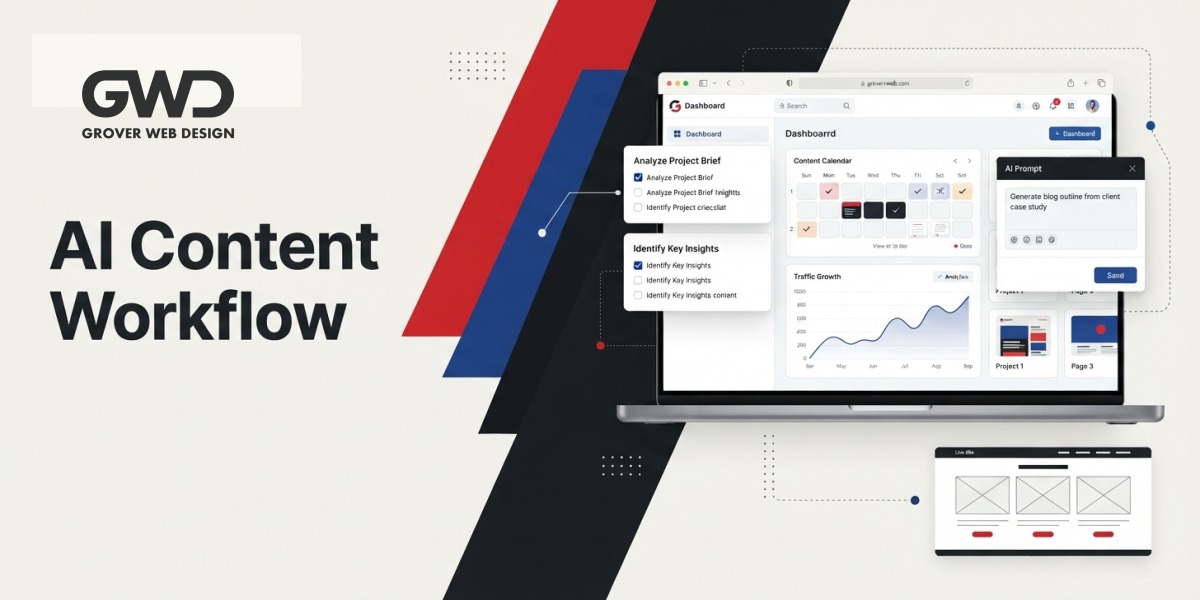
Overview: The 7-step AI website content workflow
- Capture the work (notes, files, screenshots)
- Choose the post type & map to search intent
- Create a focused outline from real artifacts
- Draft with AI from structured prompts
- Edit for accuracy, trust, and local relevance
- Optimize on-page SEO and internal links
- Publish, measure, and repurpose
Step 1 — Capture the work (your content treasury)
Start with disciplined capture. Without consistent notes, content creation becomes painful. Add a tiny process to developer and support workflows so the team can forward or drop artifacts into a “Content” folder:
- Support ticket summary: problem, steps taken, outcome
- Design/dev artifacts: screenshots, before/after, short clips
- Client-approval note: one-sentence description the client signed off on
- Time log: how long the work took (useful for scope/estimate posts)
Store these in one place (a project folder or internal CMS draft) and tag by topic (e.g., “custom portal”, “HIPAA form”, “malware cleanup”).
Step 2 — Choose the post type & map to search intent
Not every internal note becomes a long how-to. Pick a post type that matches what people search for locally.
| Post type | When to use | SEO intent |
|---|---|---|
| Case study | Finished projects with measurable outcomes (no client-identifying details needed) | Commercial / Decision |
| How-to / tutorial | Repeatable fixes or build steps (e.g., malware cleanup, secure form setup) | Informational / Solution |
| Quick news/update | Small product launches, team wins, local events | Local / Awareness |
| Process / checklist | Internal best-practices you want prospects to see (e.g., deployment checklist) | Informational / Trust-building |
Step 3 — Create an outline from artifacts
Use the captured notes to build a one-page outline. Keep it short but structured so an AI or writer can draft quickly. Example outline for a “How we built a simple client portal” post:
- Intro: problem + who it helped (no private names)
- What the portal needed to do (3–5 bullet requirements)
- High-level architecture and tech choices
- Key implementation steps (with screenshots or code snippets if public)
- Outcome and next steps for the client
- Call to action — how to get a similar solution
Step 4 — Draft with AI from structured prompts
AI speeds drafting, but it needs structured inputs. Use the outline plus a short “source bundle” (support ticket summary, two screenshots, 3 bullets of technical notes). Then run a single targeted prompt per section so the output stays factual.
Example prompt you can copy-paste into your AI tool:
Write a clear 250–400 word section titled “High-level architecture” for a blog post. Inputs: the portal uses WordPress for CMS, a custom plugin for project tracking, and a PostgreSQL database on managed hosting. Security requirements: role-based access, audit logs, and HIPAA-aware storage for attachments. Audience: small-business owners in Columbia, SC deciding whether to build a custom portal. Tone: practical, confident, non-technical when possible. Do not mention client names.
Produce one prompt per outline section. Keep prompts focused on facts and local relevance to avoid hallucination.
Step 5 — Human edit: accuracy, attribution, and local signals
Never publish AI output verbatim. Edit for:
- Accuracy: verify technical details, plugin names, and configuration steps against your notes.
- Privacy: strip client-identifying details or get written permission for a case study.
- Local signals: add local phrases such as “Columbia, SC” or nearby neighborhoods naturally in one or two places to strengthen local relevance.
- Sales context: add a short paragraph that explains what types of clients benefit most from this solution.
Step 6 — SEO & on-page optimization
Before publishing, optimize the post for local SEO and discoverability:
- Focus keyphrase: use a clear phrase like “ai website content workflow” or a project-specific keyphrase (e.g., “custom client portal Columbia SC”). Mention it in the title, first paragraph, and one H2.
- Title & meta: write a click-focused SEO title and a meta description that sells the post in search results.
- Internal links: link to service pages relevant to the post. Example anchors: “our services”, “custom web development”, “SEO services” — link these to your service pages to drive visitors down the funnel.
- Schema & structured data: add article schema and, for case studies, consider a simple HowTo or FAQ block to capture rich results.
- Images & alt text: add before/after screenshots with clear alt text like “project portal dashboard before and after”. Your CMS will handle the image upload and optimization.
Example internal links (use these in your published post): services, custom web development, SEO services.
Step 7 — Publish, measure, and repurpose
Once live, follow a simple measurement plan:
- Track sessions, time-on-page, and referral queries in your analytics for the first 90 days.
- If the post targets a commercial query, add a CTA to a short contact form and A/B test copy or CTA placement.
- Repurpose the post into a short video, LinkedIn carousel, or a one-page PDF checklist for lead capture.
Practical examples you can create from weekly work
- Malware cleanup: a short tutorial titled “What we checked during a WordPress malware cleanup” that lists three diagnostic steps and remediation tips. This builds trust for local businesses worried about security.
- HIPAA form build: a process post explaining storage choices, access controls, and minimal design required for compliance without naming the client.
- Simple WordPress sites: a before/after case study that highlights speed improvements and the first two marketing steps the client took to get their first inquiry.
- Custom portals: a feature-focused post titled “How to build a simple client portal that replaces expensive software” explaining when custom development is cheaper and faster than off-the-shelf products.
Editorial checklist before you hit Publish
- Does the post answer a real question a local prospect might search for?
- Is any client-identifying information removed or approved in writing?
- Are technical claims verified against your project notes?
- Do you have at least 1 internal link to a service page and 1 local signal (city or region)?
- Is a short, useful CTA present (consultation or contact)?
Republishing, gating, and lead capture
Not every post should be gated. Keep tactical how-tos public to attract search traffic and use one gated asset — a downloadable checklist or mini-case-study PDF — to capture leads for higher-value projects. Link the gated asset from within the post and on related service pages.
Template prompts & quick snippets
Use these micro-prompts to speed drafting. Provide the AI tool with the outline + source bundle and paste one of these to get a usable draft paragraph:
- “Write a 120-word intro explaining why small businesses in Columbia, SC choose custom portals over off-the-shelf tools.”
- “Create a 60–80 word checklist titled ‘Malware Cleanup: 5 Quick Checks’ using these inputs: blacklist scan, file integrity, plugin updates, wp-config review, backup verification.”
- “Write a short paragraph describing the security choices for a HIPAA-aware form: role-based access, encryption at rest, and secure file storage.”
Measuring ROI: what to expect
Content driven by real work tends to convert better because it matches buyer intent. Expect these early benefits within 3 months:
- Higher organic clicks on commercial queries related to the solution you published about.
- Fewer repetitive sales calls — prospects self-educate from your posts.
- Improved local trust signals as more relevant pages link internally to your service pages.
Common questions (FAQ)
How often should we publish posts from client work?
Start with one per week or two per month. Frequency beats intensity at first: build the habit, then scale. Consistent publishing helps search engines associate your site with those topics.
Can we use screenshots that show client content?
Only with written client permission. If the screenshot reveals sensitive data, redact it or recreate a sanitized mockup that shows the same UI without real data.
Will search engines penalize AI-assisted content?
Search engines care about usefulness and originality. AI is a drafting tool — human edit for accuracy and local relevance before publishing. Add details only you can provide (time, tooling choices, local context) to keep posts unique.
Which pages should these posts link to?
Link to relevant service pages and at least one local landing page. For example, link to your services overview, your custom development page, and your SEO services page to create a clear path from discovery to contact.
Start today: a 60-minute sprint you can run with your team
- Pick one recent project (malware cleanup, HIPAA form, or portal).
- Collect the ticket summary, two screenshots, and the timeline into a single folder (15 mins).
- Create a 6-point outline (10 mins).
- Run three AI prompts to draft intro, architecture, and outcome (20 mins).
- Edit for accuracy and add local references (15 mins).
That 60-minute sprint gives you a publishable draft — fast content that supports local SEO and sales.
Turning real client work into content is one of the highest-leverage marketing activities for a small web studio. It builds authority, reduces repetitive sales conversations, and creates evergreen pages that attract targeted local traffic. Start capturing your work today, use AI to speed drafting, and always add the human edits that make the content trustworthy.

Talk with Donny about ai website content workflow.
Grover Web Design can review the opportunity, improve the page, and connect search visibility to a stronger lead path.