Headless CMS or WordPress? A Practical Decision Guide for Business Websites
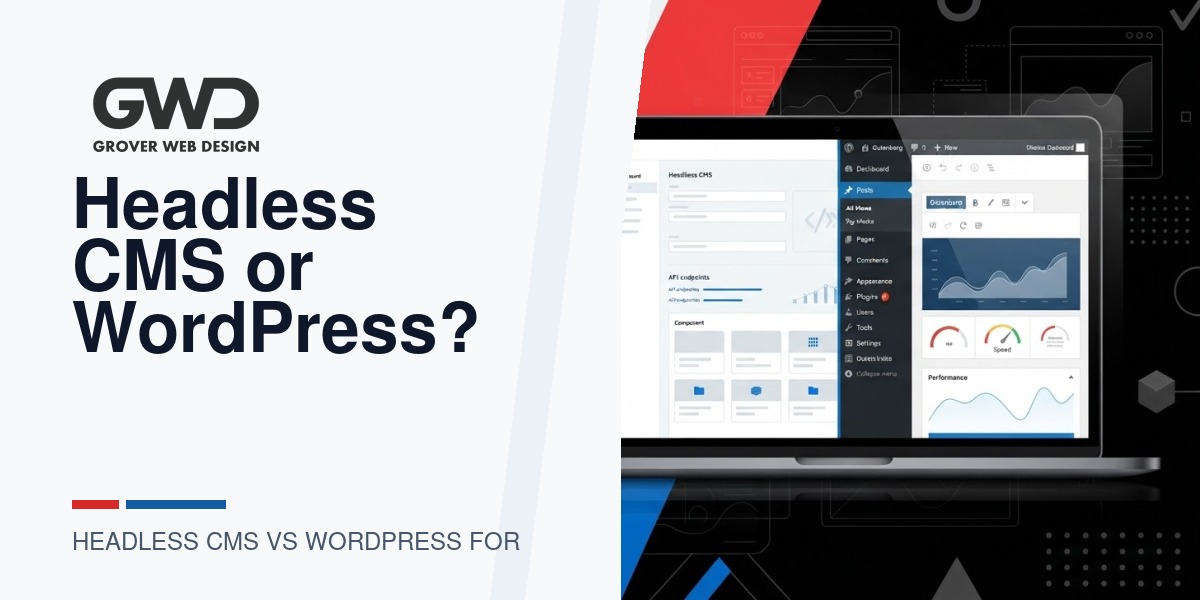
When a business evaluates a website rebuild or major redesign, the platform decision often narrows to two approaches: a traditional, monolithic WordPress site or a headless CMS architecture (where content and presentation are decoupled). Both approaches are valid—what matters is matching technical tradeoffs to your business priorities, team capabilities, and budget.
At a glance: Which approach solves what
| Decision area | WordPress (traditional) | Headless CMS |
|---|---|---|
| Editorial workflow | Built-in visual editor, media library, plugins for editorial features | Flexible content models, often richer multi-channel publishing but requires custom editor tooling or third-party admin UI |
| Developer effort | Lower initial dev cost for typical sites; many ready-made themes and plugins | Higher initial engineering time to build front end, APIs, and integrations |
| Page speed & SEO | Fast results are achievable with caching, image work, and good hosting | Potential for very fast, API-driven front ends and static-site generation, but SEO depends on implementation |
| Third-party integrations | Broad plugin ecosystem; many integrations are plug-and-play | Integration flexibility via APIs but often requires custom engineering |
| Maintenance & costs | Predictable hosting/maintenance; plugin and core updates needed | Higher long-term maintenance for front-end frameworks, build pipelines, and API monitoring |
| Migration complexity | Straightforward for typical content-driven sites | More complex: content modeling, export/import, and custom front-end mapping |
1) Editorial workflows: the team’s daily experience
If your marketing, product, or editorial teams need a visual WYSIWYG editor, media library, scheduled posts, and straightforward previewing, traditional WordPress frequently wins on day-one experience. WordPress’s native editor, block patterns, and numerous page-builder or editorial plugins let non-technical users perform most content updates without engineering help.
Headless CMS options (e.g., Contentful, Strapi, Sanity or a headless WordPress setup) excel when the same content must feed multiple channels—mobile apps, kiosks, marketing microsites, or in-product experiences. However, they often require higher upfront work to design custom content models and build editorial UIs that match your users’ workflows. If you choose headless, budget time for:
- Content model workshops (identify fields, relationships, and localization needs)
- Preview tooling so editors can see how content will render
- Training and documentation for non-technical users
2) Developer effort and roadmap velocity
Traditional WordPress reduces early project cost and time-to-launch because many features exist as plugins, themes, or hosting presets. For most brochure sites, service pages, blogs, and lead-gen funnels, WordPress lets teams iterate quickly without a large engineering backlog.
Headless projects shift the effort from CMS configuration to front-end engineering. You’ll need developers familiar with modern front-end frameworks (React, Vue, Svelte), build pipelines, server-side rendering or static site generation, and API contracts. That work pays off when you need highly customized UX, complex client-side interactions, or a single content source feeding many distinct consumers.
3) Page speed, perceived performance, and SEO
Headless architectures can deliver excellent performance when using pre-rendering or static generation, and they facilitate progressive enhancement patterns. But fast pages and good SEO are not automatic: server-side rendering, correct URL structures, canonical tags, meta data, and fast asset delivery still need to be implemented. Poorly executed headless sites can suffer SEO problems similar to single-page apps if search-critical content isn’t rendered server-side or pre-rendered.
WordPress can also achieve top performance with proper hosting (CDN + edge caching), optimized images, and careful theme development. For many businesses, the practical difference in organic rankings comes down to implementation quality rather than the CMS architecture itself.
4) Third‑party integrations and ecosystem
WordPress benefits from a massive plugin ecosystem for CRM connectors, marketing platforms, analytics, e-commerce (WooCommerce), membership systems, and more—often with ready-made admin screens and support documentation. That lowers integration costs and reduces time-to-value.
Headless approaches rely on APIs. That gives you flexibility and often cleaner long-term data architecture, but expect custom engineering to wire systems together, maintain API clients, and handle authentication/edge cases. If your business depends on a broad set of vendor integrations and you want minimal engineering overhead, WordPress typically shortens the integration path.
5) Long-term maintenance and costs
Maintenance is where total cost of ownership often surprises decision-makers. With WordPress you’ll budget for hosting, regular core/plugin/theme updates, security monitoring, and content updates. Those costs are predictable and can be handled by a managed WordPress provider or retainer.
Headless stacks can raise long-term maintenance complexity: front-end framework updates, build-toolchain upgrades, CI/CD pipelines, caching invalidation, and monitoring for API stability. Those elements are manageable but typically require ongoing developer involvement and a different support model than WordPress care plans.
6) Migration complexity and data modeling
Moving an existing WordPress site to a modern WordPress rebuild is usually straightforward: content, media, and SEO metadata have clear import paths. Migrating to a headless CMS requires content modeling, data normalization, and a migration plan that preserves URLs, redirects, and metadata. Plan for extra QA and SEO verification.
Decision table: When each approach is a better fit
- Choose traditional WordPress if your primary goals are fast launch, simple editorial experience, many third-party vendor integrations, predictable maintenance, and lower initial project cost.
- Choose headless CMS if you need a single content source for multiple front ends (apps, devices), require bespoke front-end UX and interaction, or have an engineering team that prefers a modern front-end stack and continuous delivery workflows.
- Consider a hybrid approach (e.g., WordPress as a headless provider for certain content or using a hybrid rendering model) if you want editorial familiarity but also need a custom front end for specific parts of the site. Grover Web Design often explores hybrid builds when clients need both fast editorial updates and a custom, high-performance marketing experience.
Example business scenarios and recommended approach
Small professional services firm (5–50 employees)
Need: clear service pages, bios, blog for lead gen, low ongoing engineering budget. Recommendation: Traditional WordPress. Rationale: Faster launch, easy editor controls, and simpler maintenance.
Mid-market product company with web app and marketing site
Need: marketing site, developer portal, in-app content, and mobile apps consuming the same content. Recommendation: Headless CMS or hybrid. Rationale: A central content API avoids duplication and supports multi-channel distribution; expect higher engineering cost and longer timeline.
E-commerce brand prioritizing conversion velocity
Need: fast product pages, frequent merchandising experiments, many third-party integrations (inventory, payments, analytics). Recommendation: Depends. If using WooCommerce and standard checkout flows, WordPress can be efficient. If checkout or UX must be highly customized and you have engineering bandwidth, headless can unlock creative experiences—plan for more maintenance.
Enterprise with localization and high compliance needs
Need: multi-region content, strict security requirements, audit trails. Recommendation: Headless CMS often provides stronger support for content models, localization workflows, and enterprise integrations—if you have the engineering resources to manage it.
Provider selection criteria: what to evaluate in proposals
When interviewing agencies or vendors, ask these practical questions to uncover hidden costs and risks:
- Can you show 2–3 examples of recently delivered sites that match our use case (not just marketing demos)?
- How will editorial preview and scheduled publishing work for our editors? Can we test the content editor before signing off?
- What is your deployment and rollback process? How do you handle cache invalidation and CDN purging?
- How do you measure and safeguard SEO during and after the migration? Who owns redirects and canonicalization?
- What maintenance model do you recommend (retainer, hourly, managed hosting) and what’s included? Can you provide a sample monthly SLA or retainer scope?
- Which third-party integrations will require custom development vs. off-the-shelf connectors?
- What is the expected time-to-launch and a realistic phased roadmap (MVP + 1–2 feature phases)?
- Who will own the CI/CD pipeline and runtime monitoring? How do we get incident alerts and uptime reporting?
- Can you provide a breakdown of one-time vs recurring costs for the first 3 years?
Questions to ask internally before choosing
- How many publishing channels do we actively support (web, mobile app, email, kiosks)?
- Do we need editors to preview exact, page-level rendering before publishing?
- What is our engineering bandwidth for ongoing feature work and maintenance?
- How important is time-to-launch vs long-term flexibility?
- What compliance, localization, or performance targets must we meet?
Cost and support: practical expectations
Expect these rough patterns (your mileage will vary):
- WordPress: lower initial build cost for standard sites, with predictable monthly maintenance/hosting fees. Managed WordPress retainers commonly include security updates, backups, and a small monthly development budget.
- Headless: higher initial engineering investment for API and front-end, plus ongoing developer costs to maintain build pipelines, renderers, and monitoring. Hosting and platform fees for managed headless CMS providers may add to recurring expenses.
If you want GWD to help scope and compare both approaches against your business needs, we can prepare a one-page recommendation and rough budget that factors in editorial workflows, integrations, and a realistic roadmap.
Checklist: what to include in a vendor brief
- Primary and secondary website goals (e.g., leads, sales, signups)
- List of integrations and systems of record (CRM, payments, inventory, authentication)
- Content channels and publishing requirements
- SEO and URL preservation requirements
- Compliance, performance, and uptime targets
- Internal team capabilities and budget constraints
FAQ
Will headless always be faster than WordPress?
No. Headless has performance potential, but implementation matters. A well-built WordPress site with good caching, image optimization, and hosting can match or exceed a poorly implemented headless front end.
Can we migrate gradually from WordPress to headless?
Yes. A phased approach—starting with specific sections (marketing pages or blog) served via an API while keeping other parts in WordPress—reduces risk and spreads cost. Hybrid builds are common when teams want editorial familiarity while investing in a custom front end.
How do we protect SEO during migration?
Preserve URL structures where possible, maintain meta titles/descriptions, implement 301 redirects for changed URLs, and validate server-side rendering for all search-critical pages. Require the vendor to include an SEO verification checklist in the project scope.
When should we hire an agency vs. using an in-house team?
Hire an agency if you need fast delivery, lack specialized front-end or DevOps resources, or want proven migration experience. If you have a mature engineering team and prefer long-term in-house ownership, a headless approach may fit—just plan for the ongoing maintenance burden.
Next steps: how Grover Web Design can help
If you want a vendor-neutral technical brief that compares full WordPress, hybrid, and headless options for your specific needs, GWD offers a short scoping engagement. We map editorial workflows, integration points, and a phased roadmap so decision-makers can compare real cost, timeline, and risk.
Explore our services: Grover Web Design services, our approach to custom work at Custom web development, or how we handle SEO and migration verification at SEO services.

Talk with Donny about reliable WordPress support.
Bring your website and the problems taking time away from your business. GWD can help identify maintenance, security, and support priorities.