Preparing a Website Project Brief for a Columbia Web Design Company
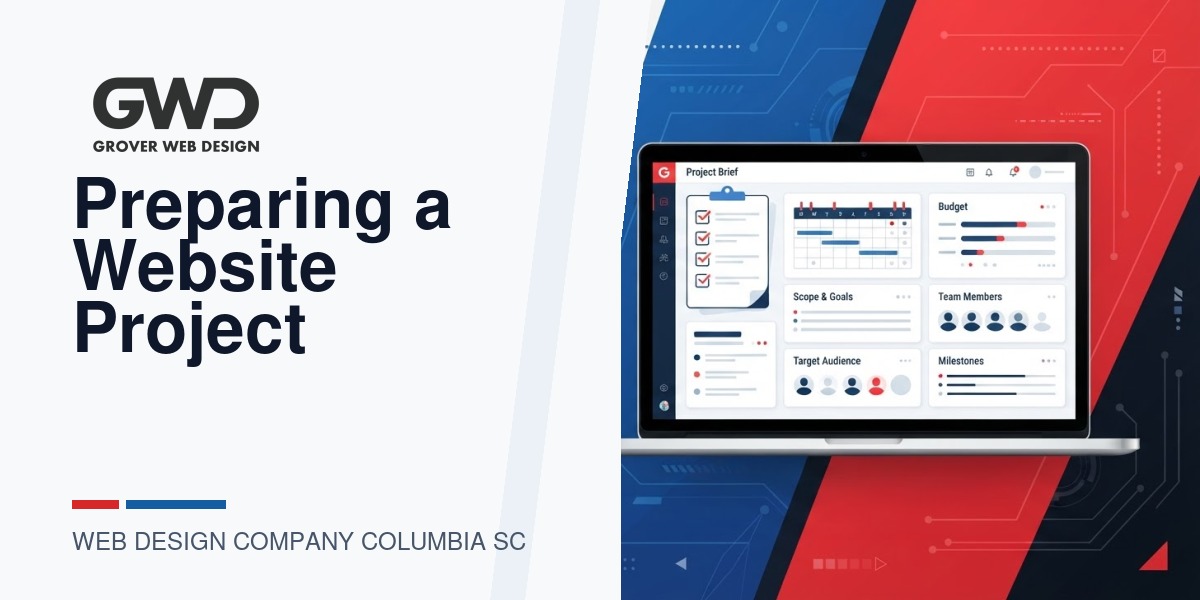
Choosing a web design company in Columbia, SC starts with a clear project brief. A short, decision-grade brief tells vendors what you value, exposes tradeoffs, and reveals whether they can deliver on schedule and budget. This guide shows what to include, how to compare proposals, and which questions separate safe vendors from the ones that will slow your project down.
Why a project brief matters to Columbia business owners
Too many discovery calls begin with vague requirements that inflate timelines and hide important technical needs (HIPAA, customer portals, third-party integrations, or AI features). A concise brief saves you time and money by:
- Making scope and priorities explicit for every vendor you contact.
- Turning vague features into verifiable acceptance criteria.
- Highlighting compliance and security constraints early (HIPAA, payment PCI, or malware remediation).
- Helping you compare apples-to-apples proposals instead of getting tied to low-ball estimates that balloon later.
Project brief template — what to include (use this as a checklist)
Copy and adapt the sections below into a one- to two-page brief. Shorter is better so vendors respond quickly with realistic estimates.
1) Project overview (2–4 sentences)
- What your organization does and the primary business outcome you expect from the website (lead generation, ecommerce, member portal, brand refresh, or internal efficiency).
- One-sentence success metric (e.g., reduce manual intake time by X, increase qualified leads, or create a HIPAA-compliant portal for patients).
2) Primary audience and user tasks
- List the main user groups (e.g., new customers, current customers, vendors, staff).
- For each group, list the top 2–4 tasks they must accomplish on the site (find pricing, request a quote, customize a product, access account documents).
3) Scope: features and pages (high level)
Keep this as a prioritized list (MUST / SHOULD / NICE-TO-HAVE). Examples:
- MUST: Responsive site with homepage, services, contact page, blog, and secure admin.
- SHOULD: Customer portal with login, document upload, and two-step approval workflow.
- NICE-TO-HAVE: AI-assisted product customizer or one-click print-letter mailing list export.
4) Integrations & data requirements
Describe systems to connect (CRM, billing, mailing house, database queries). Note any constraints like data residency, HIPAA, or SSO requirements.
5) Compliance & security
- Compliance requirements (HIPAA, SOC2, PCI) and whether you have a Business Associate Agreement (BAA) in place.
- Security baseline: malware cleanup, SSL, WAF, and backup retention expectations.
6) Content & assets
- Who provides content, images, and product data (you, vendor, or hybrid).
- CMS preference (WordPress, headless, custom app) and whether you require content training.
7) Timeline & decision points
Preferred launch date, fixed milestones (e.g., contract, discovery, design sign-off, alpha, launch), and any non-negotiable deadlines (tradeshow, seasonal sales).
8) Budget range
Provide an honest ballpark so vendors offer realistic options. If you prefer multiple tiers (basic / hybrid / custom), say so.
9) Acceptance criteria & maintenance
- Basic acceptance tests (responsive layout, SEO baseline, page speed targets, cross-browser tests).
- Post-launch support expectations: SLA window, monthly maintenance, security patching, and reporting cadence.
Three common project archetypes and tradeoffs
Vendors often propose one of three approaches. Use this comparison to decide which fits your goals and budget.
| Archetype | When to pick it | Strengths | Tradeoffs |
|---|---|---|---|
| Simple marketing site | Local businesses needing a modern brochure site or lead capture | Lower cost, faster launch, easy edits | Limited custom workflows and integrations |
| Hybrid WordPress + AI features | Sites needing content automation, personalization, or simple AI tools | Balances speed with smarter UX; easier to maintain than full custom builds | Requires ongoing AI tooling decisions and monitoring; possible extra costs for model usage |
| Custom portal / application | When you need tailored workflows, secure data handling, or heavy integrations | Exactly fits processes, boosts internal efficiency, can replace expensive SaaS | Longer delivery, higher cost, needs product-style discovery and phased delivery |
Questions to ask prospective Columbia web design companies
Use these during initial calls or in an RFP to compare competence and fit.
- Have you built sites with similar functional needs (customer portals, HIPAA workflows, ecommerce, AI components)? Ask for anonymized examples or architecture descriptions.
- How do you structure discovery and scope control? (Look for a time-boxed discovery phase and change-order discipline.)
- What’s your preferred stack and why? If WordPress, ask about hosting, caching, and security process.
- Who handles content migration and how is ownership transferred post-launch?
- How do you handle integrations (CRMs, mailing houses, print/mail exports)? Ask for concrete third-party systems they’ve integrated.
- What are your support and update SLAs after launch? Include response windows for security incidents.
- How will you test accessibility, page speed, and SEO fundamentals before launch?
- Do you offer phased delivery (MVP first) and fixed-price milestones or only time-and-materials?
- If we need HIPAA or other compliance, can you sign a BAA and demonstrate compliance controls?
How to evaluate proposals — a quick scoring rubric
Score proposals on a 1–5 scale in these categories. This makes comparisons objective, not emotional.
- Understanding of requirements (Does the proposal repeat your brief and add relevant risks?)
- Technical approach (stack, hosting, backups, security)
- Delivery plan (milestones, acceptance criteria, testing)
- Maintenance and training (post-launch support and documentation)
- Budget transparency (are assumptions listed? Are change orders explained?)
Decision checklist for hiring a local Columbia company
- They ask clarifying questions and suggest a discovery phase.
- They document assumptions and define what’s out of scope.
- They propose measurable acceptance criteria and testing plans.
- They explain hosting, backups, and security responsibilities clearly.
- They provide references or anonymized case studies with similar work.
- They offer a sensible maintenance plan and training for your team.
Examples from practice — realistic feature patterns
At Grover Web Design we often see these practical patterns. Use them as decision shortcuts when you write your brief:
- Product customizer (example): A sports client needed an online jersey customizer. That brief specified inline preview, SVG exports for print, and a pricing engine. The vendor who’d done similar integrations estimated accurately because requirements were specific.
- Customer-list export (example): An insurance client needed a filtered customer query tool that produced a print-ready mailing list. That project required clear data-export formats and permission workflows; ambiguous briefs caused delays on competing bids.
- Portal to replace SaaS (example): A service business wanted a lightweight project portal to manage job intake. When the brief described exact workflows and user roles, vendors proposed phased builds: MVP for intake and notifications, then staging for advanced reporting.
When you should hire a specialist like Grover Web Design
Hire an agency with local experience when your project includes any of the following:
- Compliance or security needs (HIPAA, PCI, or strict data residency).
- Custom integrations with CRMs, print houses, or shipping providers.
- Hybrid requirements: WordPress marketing site plus custom app or AI features.
- You expect the vendor to handle discovery, design, development, hosting, and ongoing SEO/maintenance as a coordinated program.
Grover Web Design routinely builds hybrid WordPress projects that mix content-first sites with custom apps and automation — a practical middle ground when you need both a polished marketing presence and tailored internal tools. Learn more about our offerings on our services page, our approach to custom development, and how we support organic growth with SEO services.
Common pitfalls and how to avoid them
- Vague success metrics: Tie features to outcomes (e.g., reduce intake time) not just “looks modern.”
- Leaving integrations unspecified: Name third-party vendors and required data fields.
- Skipping discovery: Small investment in discovery prevents large rework later.
- Underestimating maintenance: Ask for a clear patching, backup, and incident response plan.
- Over-designing with AI: Start with experiments—prove value before adding production AI systems.
Sample one-page brief (copyable)
Objective: Replace brochure site and add HIPAA-compliant patient portal to allow document upload and secure messaging.
Primary users: Patients, clinicians, admin staff
MUST: Responsive marketing site, secure portal with authenticated document upload, BAA signed, basic SEO, and analytics.
SHOULD: Appointment request flow, automated patient letter exports for mailing house.
Timeline: Discovery in 3 weeks, MVP portal in 3 months, launch in 4 months.
Budget: Provide two pricing tiers: MVP and full-featured portal.
Acceptance: Security scan clean, user acceptance tests for portal workflows, signed BAA in place.
FAQ
How detailed should my brief be?
Start with one page that covers outcome, audience, must-have features, integrations, compliance needs, and preferred timeline. Save granular UI details for discovery unless they directly affect scope (e.g., number of product variants, data fields for exports).
Can I ask multiple local vendors for estimates?
Yes. Share the same brief with each vendor and ask them to list assumptions. Compare proposals on approach and risks, not only price.
Should I demand fixed-price bids?
Fixed-price works well when scope is well-defined. For custom portals or AI experiments, consider a phased approach with a discovery phase plus fixed-price milestones to reduce risk.
How do I protect sensitive data during development?
Require vendors to use secure staging environments, encrypted transfers, and a signed BAA when needed. Clarify who retains backups and where data is hosted.
What if my project needs AI features?
Start with experiments and prototypes. Define what success looks like for any AI feature and plan for monitoring and governance before going to production.
Next steps
- Create a one-page brief using the template above.
- Run a short discovery with 1–2 preferred vendors to validate assumptions and refine scope.
- Compare proposals using the scoring rubric and select a vendor that balances domain experience, technical clarity, and realistic timelines.
If you’d like a second pair of eyes on your brief or a structured discovery session, we review briefs for Columbia-area businesses and recommend pragmatic, cost-aware options that might include hybrid WordPress + custom tools.

Talk with Donny about web design company columbia sc project brief.
Grover Web Design can review the opportunity, improve the page, and connect search visibility to a stronger lead path.